
What Is Custom Software Development? Definition, Process, and Cost
A complete reference guide to custom software development. What it is, how it works, what it costs, and whether your business needs it.
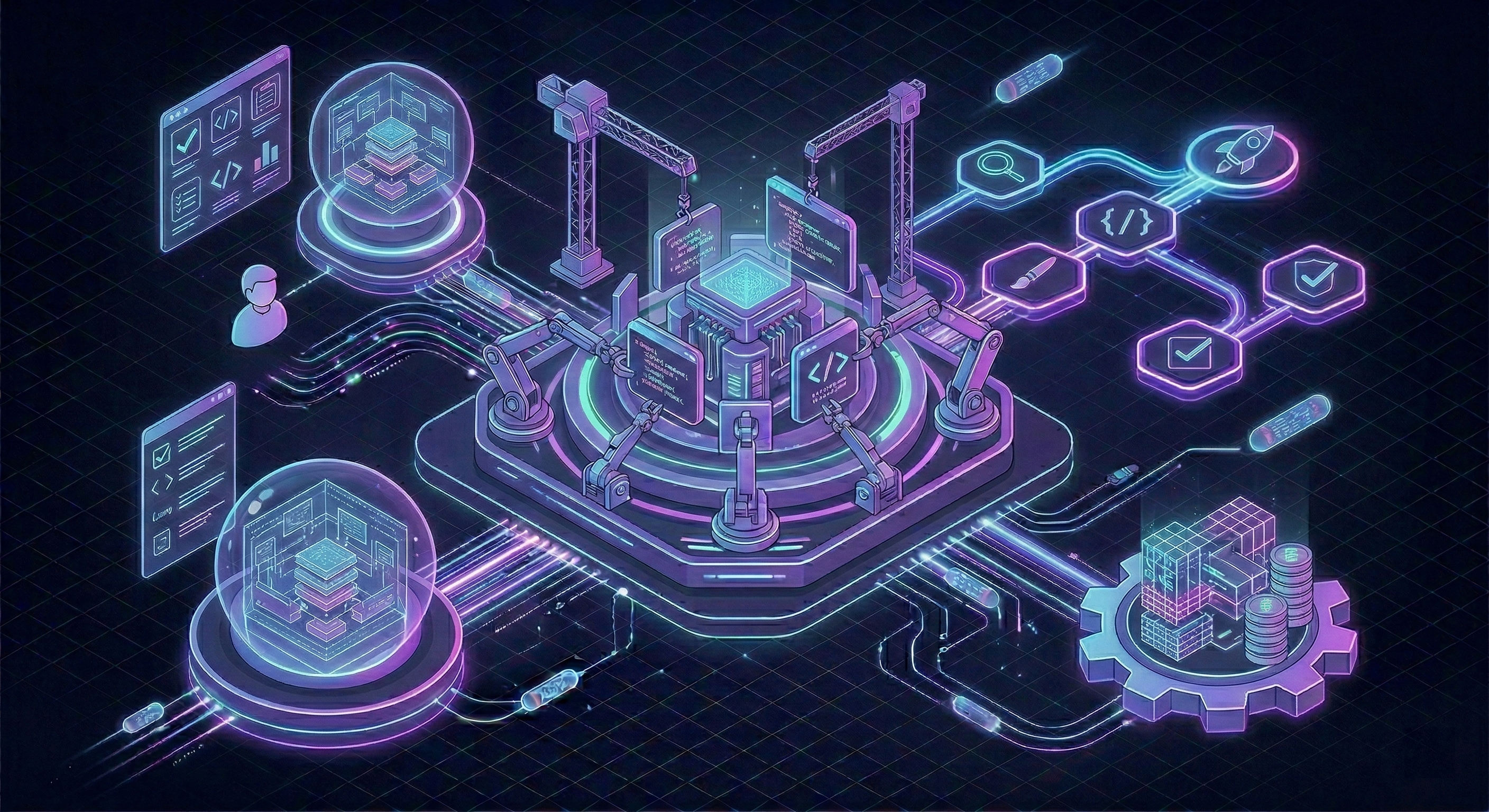
Custom software development is the process of designing, creating, deploying, and maintaining software built specifically for a particular organization or set of users. Unlike commercial off-the-shelf products that serve a broad market, custom software is tailored to solve the exact problems of a specific business.
This guide covers everything you need to know: what custom software is, the types that exist, how the development process works, what it costs, and how to decide if it’s the right choice for your business.
Definition
Custom software development (also called bespoke software development) is the creation of software applications designed for a specific user or group of users within an organization. The software is built to address their particular needs, as opposed to commercial software that is designed for mass use.
Key characteristics of custom software:
- Purpose-built. Created to solve a specific business problem or support a specific workflow.
- Owned by the client. The organization that commissions the software typically owns the source code and intellectual property.
- Unique. The software is not available for purchase by other companies. It’s built for one organization’s needs.
- Adaptable. Because the source code is owned, the software can be modified and extended as business needs change.
Custom software stands in contrast to off-the-shelf software (like Salesforce, Slack, or QuickBooks), which is built once and sold to many customers with standardized features.
Types of Custom Software
Custom software takes many forms depending on what the business needs.
Web Applications
Browser-based applications accessed through a URL. No installation required. Users access them on any device with a browser.
Examples:
- Customer portals where clients can track orders, view invoices, and manage their accounts.
- Internal dashboards that aggregate data from multiple sources into a single view.
- Booking and scheduling platforms tailored to a specific industry’s workflow.
- Project management tools built around a company’s unique processes.
Technology: Typically built with frameworks like React, Vue, or Svelte on the frontend, paired with Node.js, Python, Go, or .NET on the backend. PostgreSQL or MySQL for data storage.
Mobile Applications
Native or cross-platform apps for iOS and Android devices. Used when the application needs to work on phones or tablets, access device features (camera, GPS, push notifications), or function offline.
Examples:
- Field service apps for technicians who need to access work orders, capture photos, and submit reports on-site.
- Delivery and logistics apps with real-time GPS tracking.
- Patient-facing healthcare apps for appointment management and health data tracking.
Technology: Swift (iOS) and Kotlin (Android) for native apps. React Native or Flutter for cross-platform development. Most mobile apps also require a backend API and admin interface.
Enterprise Systems
Large-scale applications that manage core business operations. These are complex, multi-module systems that handle data flows across an entire organization.
Examples:
- Enterprise Resource Planning (ERP) systems that manage inventory, production, procurement, and finance.
- Customer Relationship Management (CRM) systems built around specific sales processes.
- Human Resource Management Systems (HRMS) with custom approval workflows, payroll logic, and compliance features.
- Supply chain management platforms with supplier portals, demand forecasting, and logistics coordination.
Technology: Often built with Java, C#, Python, or Go. Microservices architecture for large systems. PostgreSQL, SQL Server, or Oracle for data. Message queues (RabbitMQ, Kafka) for inter-service communication.
Internal Tools
Software used exclusively by employees within an organization. Not customer-facing. Designed to improve operational efficiency.
Examples:
- Admin panels for managing content, users, or configurations.
- Reporting tools that pull data from multiple systems and generate custom reports.
- Workflow automation tools that replace manual processes with guided, rule-based workflows.
- Data entry and validation tools for teams that process large volumes of information.
Technology: Often built with frameworks that prioritize development speed, like Django, Rails, Laravel, or low-code tools like Retool for simpler cases. The emphasis is on functionality over visual design.
APIs and Integrations
Software components that connect different systems together or expose data and functionality to other applications.
Examples:
- APIs that allow partner companies to access specific data or services programmatically.
- Integration layers that synchronize data between an ERP, a CRM, and an e-commerce platform.
- Data pipelines that extract, transform, and load information between databases and analytics platforms.
Technology: RESTful APIs or GraphQL, built with Node.js, Python, Go, or any backend language. API gateways for management and security. ETL tools for data pipelines.
The Development Process
Custom software development follows a structured process. The specifics vary between teams and projects, but the core phases are consistent.
Phase 1: Discovery and Planning
Duration: 1-3 weeks.
This is where the project is defined. The development team works with stakeholders to understand the business problem, the users, the workflows, and the constraints.
Activities include:
- Stakeholder interviews and requirement gathering.
- Analysis of existing processes and pain points.
- Definition of project scope, goals, and success criteria.
- Technical feasibility assessment.
- High-level architecture planning.
- Project timeline and budget estimation.
Output: A project brief or specification document that defines what will be built, why, and how.
Phase 2: Design
Duration: 1-4 weeks, depending on complexity.
The design phase defines what the software will look like and how users will interact with it.
Activities include:
- User flow mapping (how users move through the application).
- Wireframes (low-fidelity layouts of screens and pages).
- Visual design (high-fidelity mockups with colors, typography, and branding).
- Prototype creation for key interactions.
- Design review and feedback cycles with stakeholders.
Output: A complete set of designs ready for development. For simpler projects (internal tools, APIs), this phase is shorter or combined with development.
Phase 3: Development
Duration: 4-24 weeks, depending on scope.
This is where the software is built. Development typically follows an agile or iterative approach, with work organized into sprints (usually 1-2 week cycles).
Activities include:
- Setting up the development environment, repositories, and CI/CD pipelines.
- Building the backend (server logic, database, APIs).
- Building the frontend (user interface, client-side logic).
- Integrating with third-party services and APIs.
- Writing automated tests.
- Regular code reviews.
Output: Working software delivered incrementally. Stakeholders can see progress and provide feedback throughout, not just at the end.
Phase 4: Testing and Quality Assurance
Duration: Runs parallel to development, with 1-2 weeks of focused testing before launch.
Testing ensures the software works correctly, performs well, and is free of critical bugs.
Types of testing:
- Unit tests. Verify individual functions and components work correctly.
- Integration tests. Verify that different parts of the system work together.
- End-to-end tests. Simulate real user workflows from start to finish.
- Performance testing. Ensure the application handles expected load.
- Security testing. Identify vulnerabilities before they’re exploited.
- User acceptance testing (UAT). Stakeholders verify the software meets their requirements.
Output: A tested, stable application ready for deployment.
Phase 5: Deployment and Launch
Duration: 1-2 weeks.
The software is deployed to a production environment and made available to users.
Activities include:
- Setting up production infrastructure (servers, databases, monitoring).
- Deploying the application.
- Data migration from existing systems (if applicable).
- User training and documentation.
- Monitoring for issues during the initial period.
Output: Live, operational software.
Phase 6: Maintenance and Iteration
Duration: Ongoing.
After launch, the software enters a maintenance phase. This is not optional. All software requires ongoing attention.
Activities include:
- Bug fixes and issue resolution.
- Security updates and dependency upgrades.
- Performance monitoring and optimization.
- Feature additions and improvements based on user feedback.
- Infrastructure scaling as usage grows.
Budget: Plan for 15-20% of the initial development cost per year for maintenance. Active feature development is additional.
Typical Timelines
How long does custom software take to build? Here are realistic timelines for different project sizes:
| Project Type | Timeline |
|---|---|
| Simple internal tool | 4-8 weeks |
| MVP / proof of concept | 6-12 weeks |
| Full web application | 3-6 months |
| Mobile app (single platform) | 3-5 months |
| Mobile app (cross-platform) | 4-7 months |
| Enterprise system | 6-18 months |
These timelines assume a professional development team and reasonably defined requirements. Unclear requirements, slow feedback cycles, and scope changes extend timelines significantly.
Cost Ranges
Custom software costs vary based on complexity, team size, and project scope. Here are realistic ranges for projects built by a European development team in 2026:
| Project Type | Cost Range |
|---|---|
| Simple internal tool | €10,000 - €30,000 |
| MVP / proof of concept | €20,000 - €60,000 |
| Full web application | €50,000 - €150,000 |
| Mobile application | €40,000 - €150,000 |
| Enterprise system | €100,000 - €500,000+ |
These are development costs only. Add hosting (€50-€500+/month), maintenance (15-20% of build cost per year), and third-party service fees for the complete picture.
Factors that push costs toward the higher end:
- Complex business logic and calculations.
- Many third-party integrations.
- Multiple user roles and permission levels.
- Custom visual design and animations.
- Compliance and security requirements.
- Data migration from legacy systems.
Advantages of Custom Software
Why do businesses choose custom development over available products?
- Perfect fit. The software matches your exact workflows. No workarounds, no forcing your processes into someone else’s model.
- Ownership. You own the code, the data, and the infrastructure. No vendor can change your pricing, remove features, or shut down.
- No per-seat fees. Whether you have 10 users or 1,000, the cost doesn’t scale with headcount.
- Competitive advantage. Software built around your unique processes is hard for competitors to replicate. It becomes a strategic asset.
- Integration control. You decide exactly how your software connects to your other systems. No dependency on a vendor’s integration marketplace.
- Scalability on your terms. You control the architecture, the infrastructure, and the performance characteristics.
- Data control. Full control over where data is stored, how it’s processed, and who can access it. Critical for regulated industries.
Disadvantages of Custom Software
Custom development isn’t the right answer for every situation.
- Higher upfront cost. Development requires significant initial investment compared to subscribing to an existing tool.
- Longer time to deploy. Building takes weeks to months. Off-the-shelf tools can be deployed in days.
- Maintenance responsibility. You’re responsible for keeping the software updated, secure, and functional. This is an ongoing commitment.
- Risk of poor execution. A bad development process can produce software that’s buggy, slow, or doesn’t meet requirements. Choosing the right development partner matters.
- No built-in community. Off-the-shelf tools have forums, documentation, and support teams. Custom software has your team.
- Opportunity cost. Time and money spent building internal tools is time and money not spent on your core product.
Who Needs Custom Software
Custom software makes the most sense for:
- Companies with unique workflows. If your processes don’t fit standard tools, and you’re spending significant time on workarounds, custom software removes that friction.
- Growing companies hitting SaaS scaling costs. When per-seat fees at your projected team size exceed the cost of building and maintaining a custom alternative.
- Businesses in regulated industries. Healthcare, finance, government, and other sectors where data control and compliance are non-negotiable.
- Companies where software is the product. If your business model depends on a software product, it needs to be custom-built. You can’t build a SaaS business on someone else’s platform.
- Organizations with complex integrations. When you need data flowing between many systems in specific ways that no off-the-shelf connector handles.
Who Doesn’t Need Custom Software
Custom development is overkill when:
- Standard tools cover your needs. If Slack, Google Workspace, Trello, and QuickBooks handle your operations without significant workarounds, don’t build replacements.
- Your team is small. A 10-person company rarely needs custom internal tools. The SaaS cost at that scale is minimal.
- Budget is very limited. If you have less than €15,000 available, off-the-shelf tools and no-code platforms are more practical.
- The need is temporary. If the software solves a short-term problem (6 months or less), the development investment won’t pay off.
- The problem is common. If thousands of companies have the same need, a product probably already exists that handles it well. Check before you build.
How to Get Started
If you’ve determined that custom software is the right path, here’s how to begin:
- Define the problem. Write down what you’re trying to solve in plain language. Focus on the business problem, not the technical solution.
- Document your requirements. List the features and capabilities the software needs. Separate must-haves from nice-to-haves.
- Set a budget range. Use the cost ranges above to calibrate your expectations. Be realistic about what you can invest.
- Identify potential partners. Look for development teams with experience in your industry or project type. Review their portfolio and references.
- Start with discovery. A good development partner will begin with a paid discovery phase to validate requirements, refine the scope, and produce an accurate estimate.
- Build in phases. Start with an MVP or the most critical module. Launch, gather feedback, and iterate. Don’t try to build everything at once.
Summary
Custom software development is the process of building software specifically for your business. It gives you ownership, perfect fit, and competitive advantage, but requires upfront investment and ongoing maintenance.
The right approach depends on your unique situation: your workflows, your budget, your team, and your strategic goals. For standard business functions, off-the-shelf tools are usually sufficient. For anything that touches your competitive advantage or unique operations, custom software is worth serious consideration.
Considering custom software for your business? Get in touch. We’ll help you assess your needs and plan the right approach.